
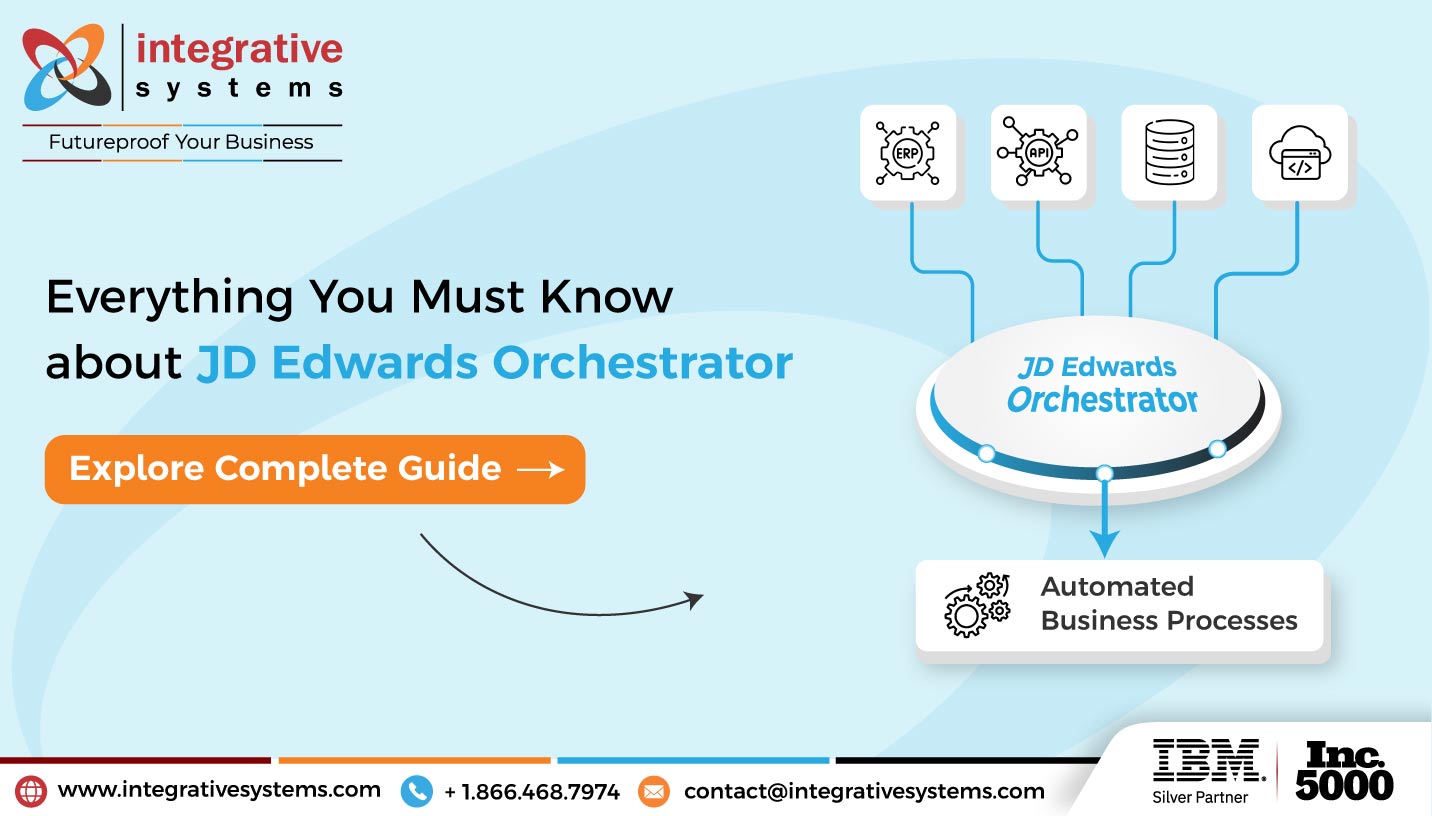
Through JD Edwards Orchestrator Services, JDE experts help you automate business processes by connecting JD Edwards EnterpriseOne with internal and external applications.
Through event-driven orchestrations and workflow automation, you can automate mundane workflows, enhance data accuracy & consistency, and expedite operational decision-making across EnterpriseOne and connected systems.
92% of organizations that have implemented or scaled intelligent automation are already deploying, or plan to deploy end-to-end automation as part of their automation strategy within the next three years.
Source – Deloitte
Business processes rarely operate within a single system.
A purchase order generated in JD Edwards EnterpriseOne may initiate approvals, inventory updates, supplier notifications, warehouse transactions, and downstream actions across multiple applications.
When these workflows depend on manual intervention, execution slows, information becomes fragmented, and operational performance suffers.
JD Edwards E1 Orchestrator allows you to automate these workflows by integrating your EnterpriseOne with internal and external applications.
It appends your ERP processes through configurable, event-led automation. This improves alignment across inventory, procurement, manufacturing, finance, and supply chain functions.
This guide will expose you to what JD Edwards EnterpriseOne Orchestrator is, how it works, where you could use it, and how JD Edwards Orchestrator Services help upscale enterprise workflow automation.
What is JD Edwards EnterpriseOne Orchestrator?
JD Edwards EnterpriseOne Orchestrator is Oracle’s low-code automation tool that helps you automate business processes without extensive custom development.
It responds to pre-configured business events by calling workflows, exchanging data with connected apps, and executing programmed actions autonomously.
JD Edwards Orchestrator enhances EnterpriseOne’s capabilities without changing the way it operates. It connects ERP processes with APIs, business services, IoT devices, and external systems.
Through JD Edwards Orchestrator services, JDE experts help you design, implement, optimize, and monitor your workflows, with sustained support for your changing business needs.
How Does JD Edwards EnterpriseOne Orchestrator Work?
JD Edwards E1 Orchestrator automates your business processes by interacting with predefined business events and executing workflows across EnterpriseOne and connected applications.
For instance, when inventory reaches a reorder threshold, a purchase order requires approval, or a work order changes status, configured JDE Orchestrator assesses predefined business rules, retrieves the required data, communicates with connected systems, and executes the next action autonomously.
It retains and extends your existing ERP processes via configurable workflows. This helps keep your data in sync across JD Edwards EnterpriseOne, warehouse management systems, supplier portals, IoT devices, and the rest of the enterprise applications.
In contrast to conventional ERP customizations, orchestrations can be configured and updated without modifying core EnterpriseOne business logic, making automation easier to maintain as business requirements evolve.
You get to experience faster workflow executions, improved data consistency, and decreased reliance on manual intervention across operations.

JD Edwards EnterpriseOne Orchestrator Common Uses
Most businesses rely on JD Edwards EnterpriseOne Orchestrator to automate mundane workflows and enhance coordination across EnterpriseOne and connected applications.
The following use cases mainly serve as a starting point for JD Edwards automation for enterprises.
| Business Function | Common Orchestrator Use |
| Inventory Management | Trigger inventory replenishment, stock alerts, and warehouse notifications automatically. |
| Procurement | Automate purchase order approvals and supplier notifications. |
| Manufacturing | Initiate work order updates and production workflows based on operational events. |
| Supply Chain | Synchronize shipment updates and logistics information across connected systems. |
| Finance | Automate approvals, notifications, and routine financial workflows. |
| Customer Service | Trigger customer notifications and order status updates automatically. |
How Does JD Edwards Orchestrator Improve Business Processes?
Business operations and workflow expansion add more stakeholders, systems, and data. JD Edwards E1 effectively supports emerging needs, yet repetitive, mundane tasks delay execution and lead to inconsistencies.
JD Edwards Orchestrator automates routine workflows based on predefined business rules, enabling information to move seamlessly between EnterpriseOne, connected applications, and the people responsible for the next step.
Businesses benefit from –
- Faster approvals and process execution
- Reduced manual effort through workflow automation
- Greater operational visibility via automated notification
- Data accuracy & consistency across connected systems
- Automation that grows beside your business requirements
Your teams can shift their focus to high-value decisions and process optimization, from mundane tasks.
“Successful workflow automation isn’t measured by the number of orchestrations you build. It’s measured by how effectively those orchestrations support the way your business operates. The right automation strategy keeps EnterpriseOne connected, responsive, and aligned with evolving business processes.”
~ Colin Galdo | Engagement Manager – JD Edwards, Integrative Systems.
What is JD Edwards Orchestrator Studio?
JD Edwards Orchestrator Studio is the low-code environment that allows you to develop, test, and manage orchestrations within EnterpriseOne.
You can pair your EnterpriseOne applications, business rules, REST services, IoT events, and external systems within JD Edwards Orchestrator Studio. It lets you build reusable workflows without extensive custom development efforts.
As automation initiatives expand, Orchestrator Studio helps standardize workflow development, simplify governance, and scale orchestrations across business functions.
How does JDE IoT Orchestrator Support Connected Operations?
As organizations adopt connected devices across manufacturing, warehousing, and supply chain operations, JDE IoT Orchestrator enables IoT events to trigger automated workflows inside EnterpriseOne.
For example, a sensor detecting low inventory can automatically initiate a replenishment request, while equipment alerts can create maintenance work orders and notify the appropriate teams.
By connecting operational technology with EnterpriseOne, JD Edwards IoT Orchestrator helps organizations respond faster while improving visibility across connected operations.
Why JDE Orchestrator Training and Consulting Services Matter
JD Edwards EnterpriseOne Orchestrator implementation is the beginning. Long-term success depends on enforcing governance, developing reusable workflows, and empowering teams to manage automation confidently as business requirements emerge.
Through JDE Orchestrator training and consulting services, JDE experts help you –
- Ramp up user adoption
- Adapt workflows to emerging business needs
- Build reusable orchestrations based on best practices
- Impart governance standards before scaling automation
- Assess & control implementation risks through expert guidance
You can leverage a perfect blend of technical enablement and process expertise to maximize the value of workflow automation across your EnterpriseOne environment.
When Should You Invest in JD Edwards Orchestrator Services?
An investment in JD Edwards Orchestrator services seems sane when your manual processes start slowing operations, approvals become complex, and workflows span beyond EnterpriseOne.
Most businesses prefer phased adoption. They begin with one high-volume workflow such as purchase approvals or inventory replenishment. They observe user adoption and success ratios and later expand orchestration across finance, manufacturing, and supply chain ops.
A phased approach to JD Edwards Orchestration helps boost user adoption and minimize implementation risk.
| If your organization… | JD Edwards Orchestrator Experts can help… |
| Relies on repetitive manual processes | Automate routine workflows and reduce manual effort. |
| Uses multiple enterprise applications | Connect EnterpriseOne with internal and external systems. |
| Experiences approval bottlenecks | Accelerate approvals through event-driven workflows. |
| Depends on manual notifications | Trigger automated alerts and business actions in real time. |
| Plans to expand automation initiatives | Build scalable orchestrations that evolve with business growth. |
| Wants to improve operational efficiency | Standardize workflows while improving visibility and consistency. |
Whether you’re starting your automation journey or expanding existing workflows, expert JD Edwards Orchestrator Services help ensure automation remains aligned with evolving business needs.
Why Integrative Systems for JD Edwards Orchestrator Services?
Automation priorities are different for each business. Our JD Edwards orchestration consultants work as an extension of your team to identify potential workflows that have greater operational impact. They help you design and implement orchestrations you can rely on.
At Integrative Systems, we combine deep JD Edwards EnterpriseOne expertise with practical process knowledge to help organizations design, implement, and optimize enterprise automation.
Our services include –
- Orchestrator implementation and workflow design
- JDE Orchestrator training and consulting services
- EnterpriseOne integration and API enablement
- Workflow optimization and governance
- Ongoing support to expand automation across business functions
If you’re building your first ever JD Edwards orchestration or planning for enterprise-grade automation, we ensure your workflows remain intact and scalable as your business needs grow.
FAQs about JD Edwards Orchestrator
1. What is JD Edwards EnterpriseOne Orchestrator?
JD Edwards EnterpriseOne Orchestrator is Oracle’s low-code automation tool that helps you automate business processes, connect EnterpriseOne with external applications, and execute event-driven workflows.
2. How does JD Edwards Orchestrator improve business processes?
JD Edwards Orchestrator helps improve your business processes by automating repetitive tasks, reducing manual effort, consolidating data across systems, and ramping up workflow execution through business events.
3. What are the common uses of JD Edwards EnterpriseOne Orchestrator?
Businesses commonly use JD Edwards EnterpriseOne Orchestrator to automate inventory replenishment, purchase order approvals, manufacturing workflows, supplier integrations, notifications, and cross-system business processes.
4. What is JDE IoT Orchestrator?
JDE IoT Orchestrator integrates IoT devices with JD Edwards EnterpriseOne. It enables sensor data and machine events to trigger automated business workflows in real time.
5. Do you provide JDE Orchestrator training and consulting services?
Through JDE Orchestrator training and consulting services, our JD Edwards consultants help you implement, optimize, govern, and scale workflow automation. They train your internal teams to manage orchestrations confidently.
If you’re looking to automate enterprise workflows with JD Edwards EnterpriseOne Orchestrator, our experts can help you design, implement, optimize, and scale automation that aligns with your business processes. Drop us a line at contact@integrativesystems.com and our experts will get back to you within 2 business days.


